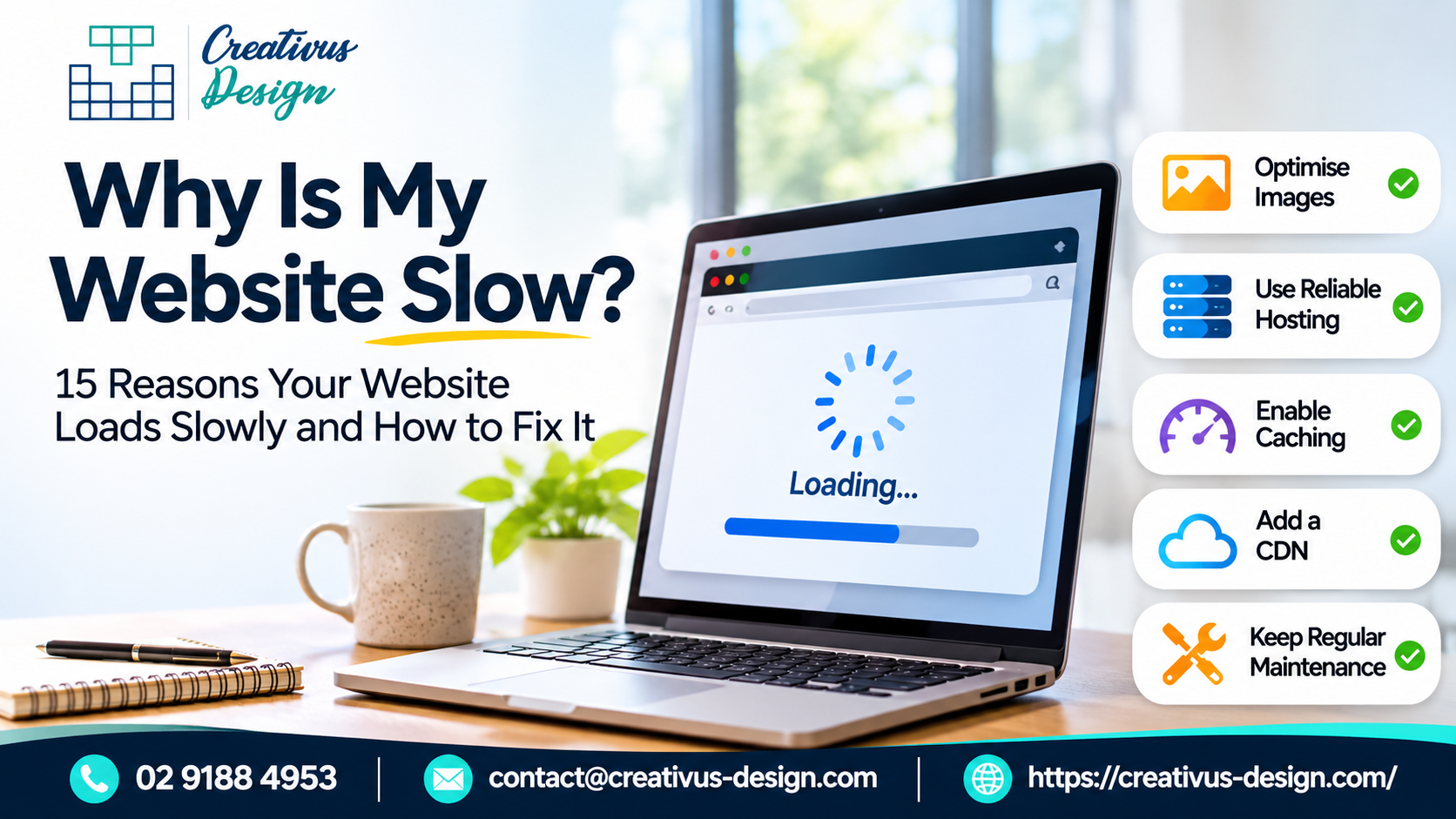
Why Is My Website Slow? 15 Reasons Your Website Loads Slowly and How to Fix It
Explore the latest strategies, innovations, and agency thought leadership.
Posted By
admin
Posted Date
16 October, 2026
Share:
Your Website Looks Great. But Is It Fast Enough to Keep Customers Interested?
You’ve invested in an attractive website, engaging content, and digital marketing. But what happens when potential customers click through and are greeted by a long loading screen? They lose patience, leave your website, and move straight to your competitors.
But what’s actually slowing your website down? Let’s uncover 15 common reasons your website loads slowly, how to fix them, and why professional website maintenance companies matter for long-term performance.
1. Oversized Images Are Increasing Loading Times
Uploading large, high-resolution images without optimisation makes pages unnecessarily heavy.
Action: If you think about it, resize images to their displayed dimensions, convert them to WebP or AVIF, and compress files before uploading.
2. Your Web Hosting Can’t Handle Traffic
Budget hosting plans may struggle when multiple visitors access your website at the same time.
Heavy desktop layouts can perform poorly on smartphones and slower mobile connections.
Action: The WordPress website maintenance services test pages on mobile devices, serve appropriately sized images, and simplify resource-intensive layouts.
13. Your Server Response Time Is Too Slow
Slow backend processing delays the delivery of your website’s initial content.
Action: Measure Time to First Byte (TTFB), enable server-side caching, and investigate inefficient backend processes.
14. Too Many Custom Fonts Are Affecting Performance
Multiple font families and weights increase file downloads.
Action: Limit font variations, work with WOFF2 files, and preload only essential fonts.
15. Your Website Is Missing Regular Maintenance
Outdated software and unresolved performance issues can gradually reduce website efficiency.
Action: Schedule monthly performance audits, update plugins and software, and monitor Core Web Vitals.
Conclusion
A slow website can stand between your business and its next customer. Improving performance helps create smoother experiences, stronger engagement, and better conversion opportunities.At Creativus Design Australia, we focus on understanding your business before recommending practical websites and digital improvements.